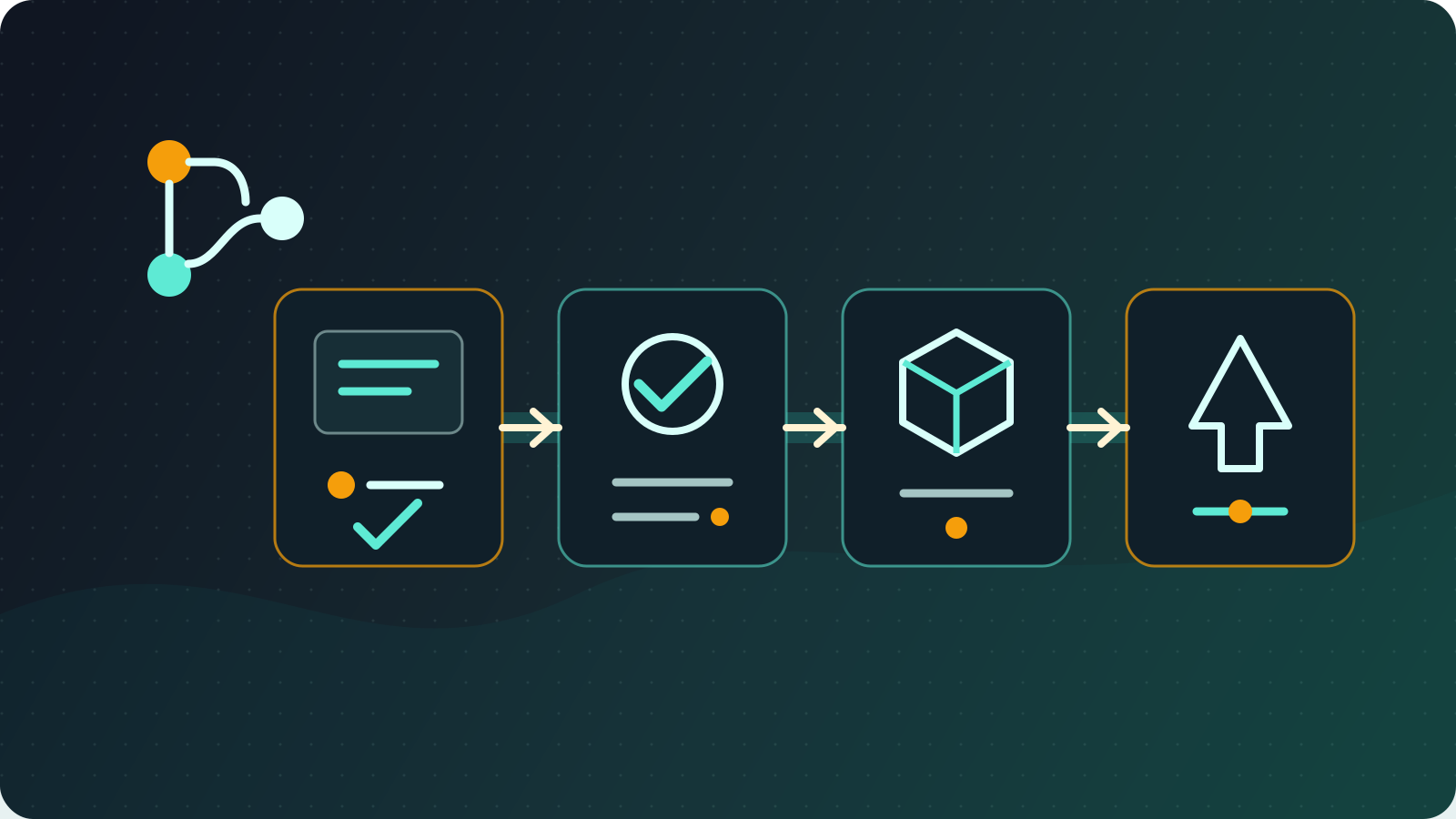
GitLab CI/CD Configuration Guide
Practical GitLab CI/CD configuration notes, from runner setup to Harbor integration and multi-environment deployment.

In enterprise DevOps work, I build and maintain GitLab CI/CD workflows from code submission to production deployment. This article summarizes the practical configuration patterns I use most often.
Reviewed July 11, 2026: The examples now use GitLab Runner authentication tokens, Node.js 24 LTS, and Docker 29.6.1. Version and security defaults continue to change; check the current GitLab Runner registration documentation, Node.js release status, and Docker Engine release notes before production use, then pin images to a version or digest your team has tested.
GitLab CI/CD Foundation
GitLab Runner Deployment
Self-hosted runners are useful when a team needs controlled network access, private registry connectivity, or predictable runtime behavior.
Create the runner in the GitLab project, group, or Admin Area first, configure attributes such as tags and protected scope there, and then copy the glrt- runner authentication token. The older registration-token workflow is deprecated and might already be disabled by the GitLab instance.
# Install GitLab Runner
curl -L "https://packages.gitlab.com/install/repositories/runner/gitlab-runner/script.deb.sh" | sudo bash
sudo apt-get install gitlab-runner

# Register runner
export RUNNER_AUTHENTICATION_TOKEN="glrt-REDACTED"
sudo gitlab-runner register \
  --non-interactive \
  --url "https://gitlab.company.com/" \
  --token "$RUNNER_AUTHENTICATION_TOKEN" \
  --executor "docker" \
  --docker-image "alpine:3.23"
Treat the authentication token as a secret. Do not commit it or expose it in CI logs or shared notes; registration stores it in config.toml on the runner host, so restrict access to that file and host.
The Docker-in-Docker jobs below require a Docker executor configured with privileged = true and a /certs/client volume. Privileged runners have a larger attack surface, so restrict them to trusted projects and users or choose a non-privileged image build method.
For Docker-based builds, the runner configuration needs to match the team’s security and build requirements. Docker-in-Docker is convenient, but it should be used intentionally because privileged mode increases risk.
Basic .gitlab-ci.yml
A small Node.js project can start with a simple test, build, and deploy pipeline.
image: node:24-alpine

stages:
  - test
  - build
  - deploy

cache:
  paths:
    - node_modules/

before_script:
  - npm ci

test:
  stage: test
  script:
    - npm run test
  only:
    - merge_requests
    - main

build:
  stage: build
  image: docker:29.6.1-cli
  services:
    - name: docker:29.6.1-dind
      alias: docker
  variables:
    DOCKER_HOST: "tcp://docker:2376"
    DOCKER_TLS_CERTDIR: "/certs"
    DOCKER_TLS_VERIFY: "1"
    DOCKER_CERT_PATH: "$DOCKER_TLS_CERTDIR/client"
  before_script:
    - echo "$CI_REGISTRY_PASSWORD" | docker login --username "$CI_REGISTRY_USER" --password-stdin "$CI_REGISTRY"
  script:
    - docker build -t $CI_REGISTRY_IMAGE:$CI_COMMIT_SHA .
    - docker push $CI_REGISTRY_IMAGE:$CI_COMMIT_SHA
  only:
    - main
Harbor Registry Integration
Harbor is useful when teams need a private container registry with access control and image scanning.
variables:
  HARBOR_REGISTRY: "harbor.company.com"
  HARBOR_PROJECT: "myproject"
  IMAGE_NAME: "$HARBOR_REGISTRY/$HARBOR_PROJECT/myapp"

build:harbor:
  stage: build
  image: docker:29.6.1-cli
  services:
    - name: docker:29.6.1-dind
      alias: docker
  variables:
    DOCKER_HOST: "tcp://docker:2376"
    DOCKER_TLS_CERTDIR: "/certs"
    DOCKER_TLS_VERIFY: "1"
    DOCKER_CERT_PATH: "$DOCKER_TLS_CERTDIR/client"
  before_script:
    - echo "$HARBOR_PASSWORD" | docker login --username "$HARBOR_USERNAME" --password-stdin "$HARBOR_REGISTRY"
  script:
    - docker build -t $IMAGE_NAME:$CI_COMMIT_SHA .
    - docker build -t $IMAGE_NAME:latest .
    - docker push $IMAGE_NAME:$CI_COMMIT_SHA
    - docker push $IMAGE_NAME:latest
  only:
    - main
Deployment Notes
Multi-environment deployment should make environment differences explicit. Staging can deploy automatically from a development branch, while production should usually be reviewed and triggered manually.
.deploy_template:
  image: alpine:3.23
  before_script:
    - apk add --no-cache kubectl
  script:
    - kubectl set image deployment/$APP_NAME $APP_NAME=$IMAGE_NAME:$CI_COMMIT_SHA

deploy:staging:
  extends: .deploy_template
  stage: deploy
  variables:
    APP_NAME: "myapp-staging"
  environment:
    name: staging
  only:
    - develop

deploy:production:
  extends: .deploy_template
  stage: deploy
  variables:
    APP_NAME: "myapp-prod"
  environment:
    name: production
  when: manual
  only:
    - main
Practical Takeaways
- Keep CI/CD jobs small enough to debug.
- Make registry, image tag, and deployment target explicit.
- Separate staging and production behavior.
- Treat credentials and registry permissions as part of the deployment design.
- Keep rollback and observability in mind before production release.
GitLab CI/CD is most useful when it becomes a repeatable release system, not just a script runner.